Smart Home Devices That Actually Reduce Your Energy Costs
Reading time: 14 minutes
Your electricity bill arrived last month and you stared at it for a solid thirty seconds, convinced there was a mistake. There wasn’t. Energy costs have climbed steadily, and the average American household now spends over $1,800 per year on electricity alone according to the U.S. Energy Information Administration’s 2025 annual report. The situation in Europe isn’t much better, with households in Germany and the UK averaging €1,600–€2,100 annually.
Here’s the thing most people get wrong: they assume “smart home” means expensive gadgets with flashy apps that don’t actually deliver. But the right smart devices — chosen strategically, installed correctly, and configured properly — can cut your energy bills by 20 to 40 percent. That’s not marketing fluff. That’s documented savings backed by data from utility companies, consumer research firms, and thousands of real households.
This guide is your practical roadmap. We’ll cut through the noise, skip the tech jargon, and focus on devices that genuinely pay for themselves — with timelines, real examples, and actionable steps you can take this week.
Table of Contents
- Why Most “Energy-Saving” Devices Disappoint — And Which Ones Don’t
- Smart Thermostats: The Single Biggest Bang for Your Buck
- Smart Lighting Systems That Actually Change Behavior
- Smart Plugs and Energy Monitors: Kill the Phantom Load
- Smart Appliances and HVAC Integration
- Side-by-Side Comparison: Top Smart Home Devices for Energy Savings
- 3 Common Challenges and How to Overcome Them
- Real Stories: Households That Cut Bills by 30%+
- Frequently Asked Questions
- Your Smart Home Energy Action Plan
Why Most “Energy-Saving” Devices Disappoint — And Which Ones Don’t
Walk into any electronics retailer in 2026 and you’ll find entire aisles dedicated to “smart home” products. Voice-controlled everything, app-enabled appliances, sensors for doors you never thought needed sensors. But here’s the straight talk: not all smart devices save energy. Some actually increase your consumption by running background processes, maintaining wireless connections, or simply encouraging you to use more because the experience is convenient.
The devices that genuinely reduce costs share three characteristics:
- They automate behavior you’d otherwise forget — turning off lights when you leave, adjusting temperature when you’re asleep, cutting power to idle electronics.
- They provide visibility — because you can’t manage what you can’t measure. Awareness alone reduces consumption by 7–12% according to a 2024 Lawrence Berkeley National Laboratory study.
- They adapt over time — learning your patterns and optimizing without requiring manual intervention.
Keep these three criteria in mind as we walk through each category. They’ll help you separate genuine money-savers from expensive novelties.
Smart Thermostats: The Single Biggest Bang for Your Buck
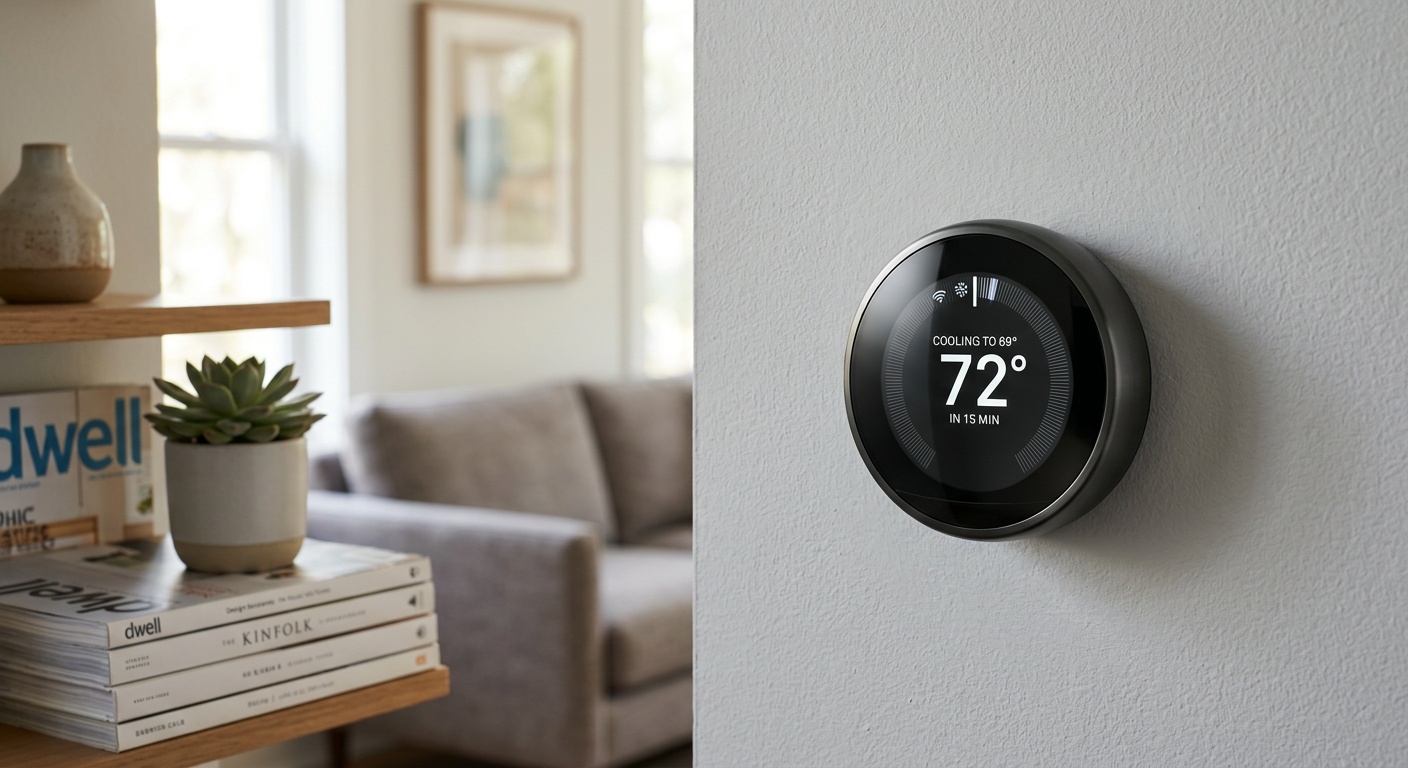
If you’re going to invest in exactly one smart home device for energy savings, make it a smart thermostat. Heating and cooling account for approximately 47% of the average home’s energy use, making it the largest controllable expense in most households.
How Smart Thermostats Actually Work
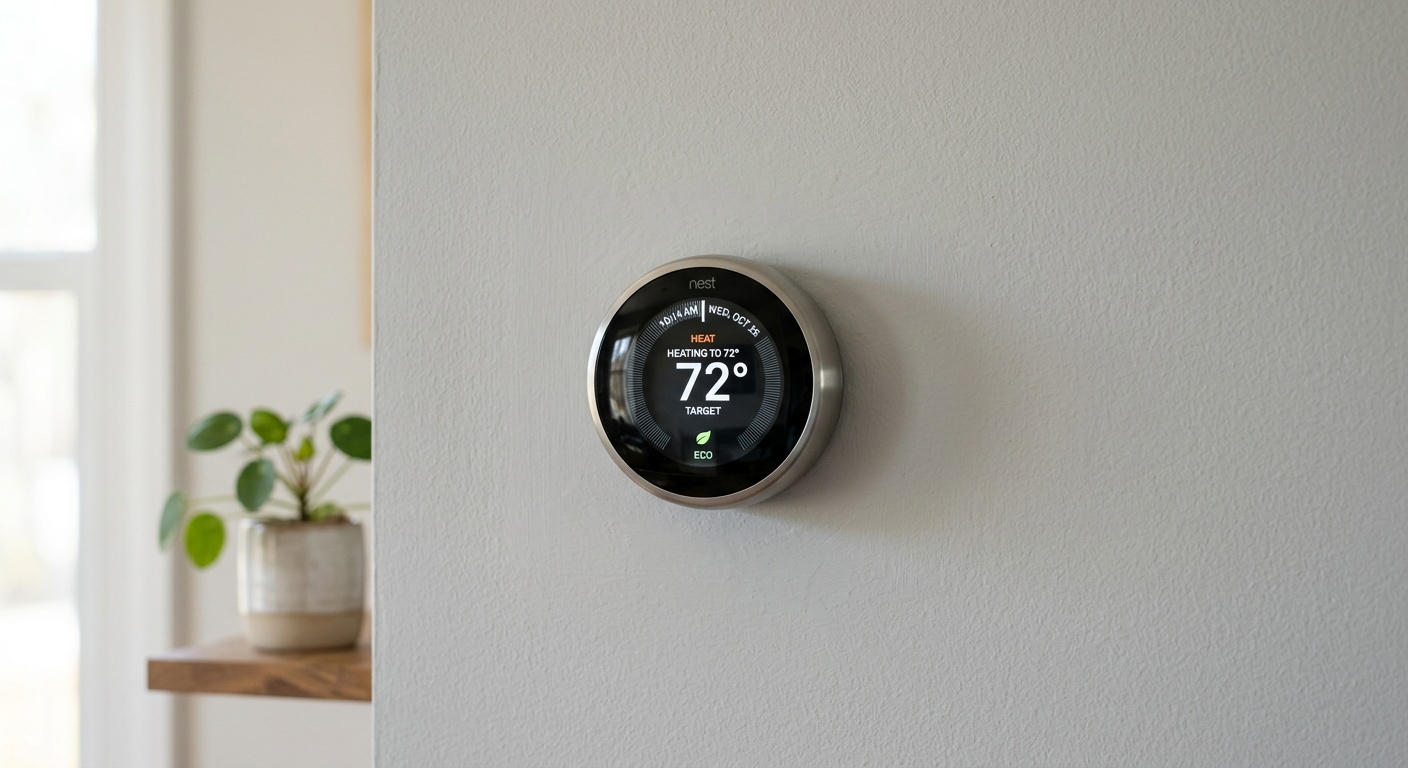
Modern smart thermostats — think the Google Nest Learning Thermostat (4th Gen, released in late 2024), the Ecobee SmartThermostat Premium, or the Honeywell T10 Pro — go far beyond programmable schedules. They use a combination of:
- Occupancy detection via built-in sensors and geofencing on your smartphone
- Machine learning algorithms that analyze your patterns over 1–2 weeks
- Weather data integration that adjusts preemptively to incoming cold or heat
- Utility rate integration that shifts heating/cooling to off-peak hours in compatible markets
The Ecobee’s SmartSensor system, for example, detects which rooms are occupied and prioritizes comfort where people actually are — rather than heating an empty living room because someone’s asleep in the bedroom.
What the Numbers Look Like in Practice
Google reports that Nest thermostat users save an average of 10–12% on heating and 15% on cooling annually. Ecobee’s own data — verified by independent researchers at the Rocky Mountain Institute in 2025 — shows average annual savings of $180–$230 depending on climate zone and prior thermostat behavior.
At an average retail price of $150–$250 for a premium smart thermostat, you’re typically looking at a payback period of 12–18 months. After that, every year delivers pure savings. Over five years, a properly configured smart thermostat in a medium-sized home can save $900–$1,150 on HVAC costs alone.
Pro Tip: Enable your thermostat’s “eco mode” or “away mode” to trigger automatically when your phone leaves the home’s geofence. Many users forget this feature exists and leave their system running all day for an empty house. That single setting change can cut 8–10% off your monthly bill immediately.
Smart Lighting Systems That Actually Change Behavior
Lighting represents roughly 10–15% of residential electricity use. It’s not the biggest slice of the pie, but it’s remarkably easy to optimize — and smart lighting does something crucial that manual switching never achieves: it removes the human error factor entirely.
Forget to turn off the basement lights for three days? A motion-based smart bulb doesn’t forget. Leave the porch light blazing from dusk to 11 PM every night when you only need it for an hour? A scheduled smart bulb fixes that silently, consistently, forever.
Choosing the Right Smart Lighting System
In 2026, the market has consolidated significantly. The leading ecosystems are:
- Philips Hue (Zigbee-based) — Premium build quality, extensive product range, reliable. Starter kits run $70–$120. Each bulb draws significantly less wattage than incandescents, and automation reduces burn hours by 20–40%.
- LIFX (Wi-Fi direct) — No hub required, vibrant colors, slightly higher per-bulb cost but simpler setup. Good for renters.
- Lutron Caseta (switch-based) — Replaces wall switches rather than bulbs. Works with any bulb type. Ideal for households with many lights per room or incompatible fixtures.
- Matter-compatible budget options — Since the Matter standard became universally adopted in 2025, brands like Sengled, Kasa, and Tapo now offer reliable $8–$15 smart bulbs that integrate with any major ecosystem.
The most impactful setup isn’t the most expensive one — it’s the one you’ll actually configure properly. Start with high-usage areas: kitchen, living room, home office. Automate these rooms first and you’ll capture 70% of the possible lighting savings with 30% of the effort.
Quick Scenario: Imagine your home office light runs 10 hours a day, 5 days a week — including conference calls where you don’t need it at full brightness. A smart bulb with an automated dimming schedule (80% during work hours, 60% in the evening, off at midnight) combined with a motion sensor that cuts power after 10 minutes of inactivity could reduce that fixture’s consumption by 35–45% without you ever touching a switch again.
Smart Plugs and Energy Monitors: Kill the Phantom Load
Here’s a number that tends to shock people: phantom load — the electricity consumed by devices in standby mode — accounts for 5–10% of a typical household’s electricity use. Your TV, gaming console, coffee maker, printer, cable box, and phone charger are all quietly drawing power right now, even if you consider them “off.”
Smart plugs with energy monitoring capabilities solve this in two ways: they let you see exactly how much each device costs to run, and they let you cut power completely on a schedule or via automation.
Smart Plugs Worth Buying in 2026
The Kasa EP25 and Eve Energy (Thread-enabled, Matter compatible) are standout choices. Both provide real-time wattage readings, historical consumption data, and schedule automation. The Eve Energy integrates natively with Apple HomeKit and Matter, while Kasa works seamlessly across Google, Alexa, and SmartThings.
At $15–$30 per plug, the math is straightforward: if your entertainment center draws 45 watts in standby 18 hours a day, a smart plug cutting that to zero during sleep hours saves approximately $28–$35 per year from that single outlet. Multiply that across five or six phantom-load hotspots in your home and you’re looking at $140–$200 in annual savings from a $90 investment.
Whole-Home Energy Monitors
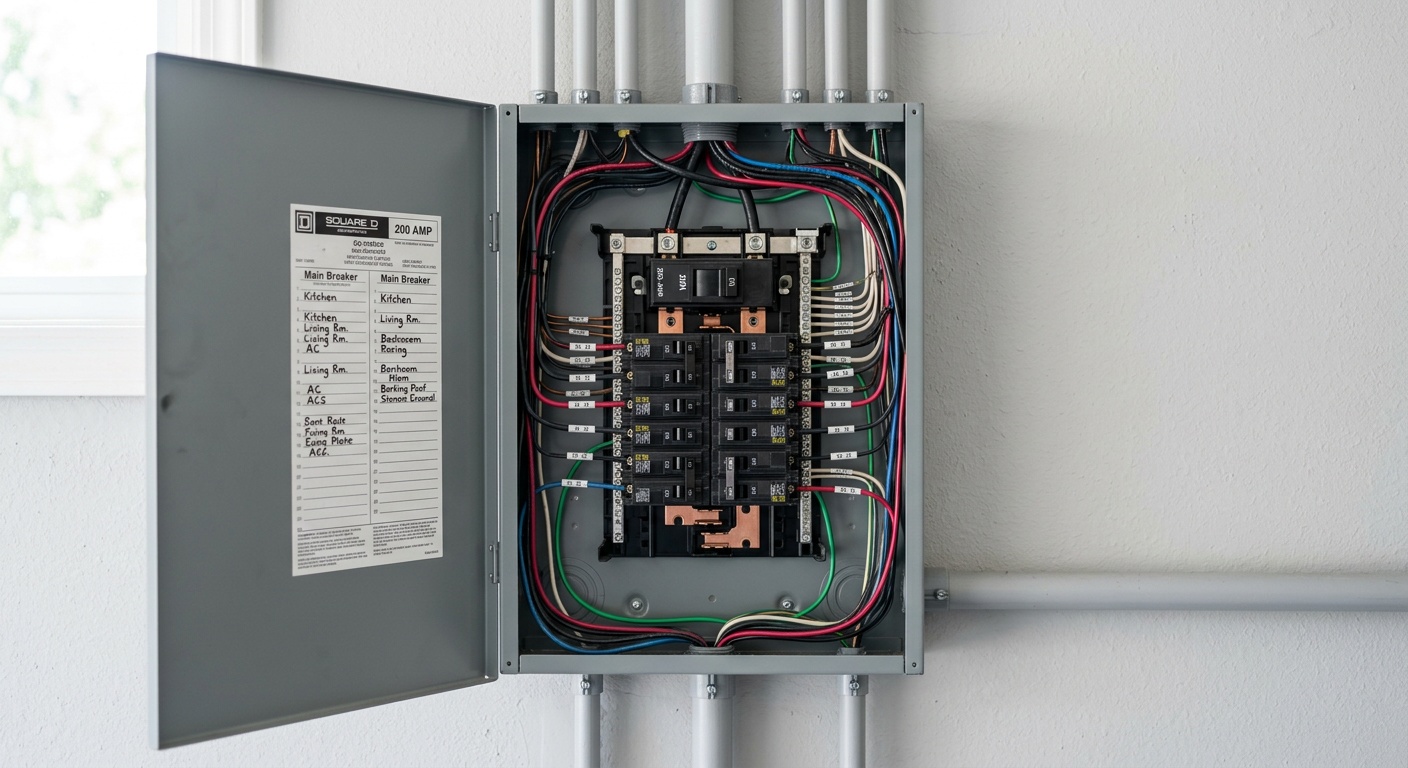
For a more comprehensive picture, whole-home energy monitors like the Sense Home Energy Monitor or the Emporia Vue 3 (2025 model) connect directly to your electrical panel and use machine learning to identify individual appliances by their electrical “fingerprint.” Within 2–4 weeks of installation, Sense can typically identify your refrigerator, HVAC system, washer, dryer, EV charger, and major appliances individually.
This level of visibility is genuinely transformative. Users of Sense reported in a 2025 consumer survey that 73% changed at least one major behavior within the first month of seeing their real-time data — including discovering appliances that were malfunctioning and drawing double their normal power.
Smart Appliances and HVAC Integration
The newest generation of smart appliances — particularly washers, dryers, dishwashers, and water heaters — offer a feature that’s quietly becoming one of the most valuable in the smart home space: demand-response participation.
Many utility companies in 2026 now offer time-of-use (TOU) pricing, where electricity is significantly cheaper during off-peak hours (typically late night and early morning). Smart appliances from Samsung (SmartThings ecosystem), LG (ThinQ platform), and GE Appliances can automatically schedule their heaviest operations during these low-cost windows.
A smart dishwasher that runs at 2 AM instead of 7 PM might save only $0.15 on a single cycle — but across 300 cycles per year, that’s $45 in savings from one appliance alone. Add a smart washer and dryer doing the same, and you’re clearing $100–$150 annually just from load-shifting.
Smart water heaters deserve special mention. Products like the Rheem ProTerra Hybrid Electric Water Heater combined with a smart controller can reduce water heating costs — typically 12–18% of home energy use — by 40–70% compared to conventional tank heaters, through heat pump technology and intelligent scheduling.
Side-by-Side Comparison: Top Smart Home Devices for Energy Savings
| Device | Avg. Cost (2026) | Annual Savings | Payback Period | Difficulty |
|---|---|---|---|---|
| Smart Thermostat (e.g., Ecobee Premium) | $200–$250 | $180–$230 | 12–16 months | Easy–Moderate |
| Smart Lighting (whole-home kit) | $150–$300 | $80–$150 | 18–30 months | Easy |
| Smart Plugs (6-pack) | $80–$120 | $100–$200 | 6–14 months | Very Easy |
| Whole-Home Monitor (Sense Gen 3) | $299–$350 | $150–$300 | 12–24 months | Moderate |
| Smart Water Heater (Rheem ProTerra) | $1,200–$1,800 | $300–$500 | 3–5 years | Requires Pro Install |
Annual Energy Savings by Device Category
Chart represents savings relative to the highest-saving device category. Percentages are proportional to $400 maximum.
3 Common Challenges and How to Overcome Them
Challenge 1: Integration Headaches Between Ecosystems
You bought a Google Nest thermostat, Philips Hue lights, and a Samsung SmartThings hub — and now they refuse to talk to each other gracefully. This was a nightmare scenario as recently as 2023, but the widespread adoption of the Matter standard has dramatically improved the situation by 2026.
The fix: Before purchasing any new smart home device in 2026, check that it carries the Matter certification logo. Matter-certified devices work across Google Home, Amazon Alexa, Apple HomeKit, and SmartThings simultaneously. This single filter eliminates 90% of compatibility problems. If you already own incompatible devices, look into hub solutions like the Home Assistant software platform (running on a Raspberry Pi 5 or dedicated hub), which connects virtually any smart home device through a single local interface.
Challenge 2: “I Set It Up and Then Stopped Using It”
Survey data from Parks Associates in late 2025 found that 34% of smart home device owners rarely or never use advanced automation features — defaulting instead to simple manual app control, which provides almost zero energy savings over a regular switch.
The fix: Spend 30 minutes during initial setup creating at least three core automations: (1) a “goodbye” routine that triggers when everyone leaves home, (2) a “bedtime” routine that powers down non-essential devices, and (3) a schedule for your highest-draw appliances. Write these down in a simple list and check them monthly. The devices do the work — you just need to configure them once correctly.
Challenge 3: The Upfront Cost Barrier
A fully optimized smart home energy setup — thermostat, lighting, plugs, and monitors — can cost $600–$900 upfront. That’s a real barrier for many households, especially renters.
The fix: Prioritize in order of ROI. Start with a smart thermostat (fastest payback, biggest savings). Next, add a 4-pack of smart plugs for your entertainment center and home office. Check whether your utility company offers rebates — in 2026, over 60% of U.S. utility companies offer $25–$100 rebates on qualifying smart thermostats, and some states have expanded rebate programs under the extended Inflation Reduction Act provisions. In many cases, your net cost for a Nest or Ecobee thermostat drops below $100 after rebates.
Real Stories: Households That Cut Bills by 30%+
Case Study 1: The Martinez Family, Phoenix, Arizona
In the sweltering Phoenix summers of 2025, the Martinez household — a four-person family in a 2,100 sq ft home — was paying an average of $340 per month in electricity costs during June through September. Their HVAC was running nearly continuously, and they had no idea that their pool pump was consuming nearly as much power as everything else combined.
Their solution came in three phases: First, they installed an Ecobee SmartThermostat Premium ($220 after utility rebate) and enabled the utility’s demand-response program, which shifted their AC cycling to avoid peak pricing hours from 3–7 PM. Second, a Sense Home Energy Monitor revealed that their pool pump was running 10 hours daily — far more than necessary. A smart timer brought that down to 5 hours during off-peak overnight rates. Third, smart plugs on their entertainment center and kitchen appliance cluster eliminated standby draw.
By summer 2026, their average monthly electricity bill for those same peak months dropped to $218 — a saving of $122 per month, or $488 over the four-month peak season. Annual total savings across all twelve months: approximately $890. Total investment: $680. Payback achieved in under nine months.
Case Study 2: David Chen, Chicago Condo, 850 sq ft
David’s situation is relevant for renters and small-space dwellers who assume smart home energy savings are only for homeowners. As a renter in a Chicago high-rise, he couldn’t install a smart thermostat (building-controlled HVAC) or modify his electrical panel. His tools were limited to what he could plug in and take with him when he moved.
His strategy: Six Kasa EP25 smart plugs ($90 total) on his computer setup, TV/gaming console cluster, kitchen counter appliances, bathroom space heater, bedroom fan/humidifier, and his home office lamp setup. Combined with a smart power strip that cut satellite devices when his TV was off, he eliminated an estimated 340 kWh per year in phantom load.
He also switched to Matter-compatible LIFX bulbs ($96 for eight bulbs) with automated schedules and motion triggers. His bedroom lights now turn off automatically if he falls asleep with them on — something that was happening three or four nights per week.
David’s annual electricity savings: approximately $210 on a $186 investment. More importantly, when he moved apartments in early 2026, every single device came with him and was operational in his new place within two hours.
Frequently Asked Questions
Do smart home devices actually pay for themselves, or is that just marketing?
They genuinely do pay for themselves — but only when chosen and configured correctly. The key variables are your current energy costs, your home’s size and climate, and how well you set up automations. Smart thermostats, in particular, have the most rigorously documented ROI, with multiple independent studies confirming payback periods of 12–18 months in moderate climates and under 12 months in extreme heat or cold regions. Smart plugs are the fastest payback of all categories, often returning their investment within 6 months when placed on high-draw standby devices. The devices that tend to disappoint are those in categories where your consumption was already minimal or where you never move past basic manual app control.
Is it worth investing in smart home energy devices if I rent my home?
Absolutely — with the right device selection. Renters should focus on portable, plug-and-play solutions: smart plugs, smart bulbs (which replace standard bulbs you’d swap back when you leave anyway), and portable smart power strips. These require zero modification to your rental property and travel with you when you move. Some landlords in 2026 are also increasingly open to smart thermostat installation, particularly if you offer to return the original thermostat upon departure — it’s worth asking, especially if you’re in a hot climate where the savings (and resulting longer AC unit lifespan) benefit both parties.
How do I know which devices are compatible with each other?
The simplest answer in 2026: look for the Matter certification. Devices carrying the Matter badge are designed to work across all major smart home ecosystems — Google Home, Amazon Alexa, Apple HomeKit, and Samsung SmartThings — without complicated workarounds. Before purchasing, visit the product page and confirm Matter support. If you’re building a new system from scratch, choosing a single ecosystem (like Google Home or Apple HomeKit) and purchasing devices optimized for that platform will give you the smoothest experience, even among devices that aren’t yet Matter certified. Avoid mixing old Z-Wave, older Zigbee, and proprietary Wi-Fi devices across multiple apps if you want reliable automation without technical frustration.
Your Smart Home Energy Action Plan
You now have more actionable information about smart home energy savings than most people gather in years of casual research. The question isn’t whether these devices work — the evidence is clear that they do. The question is: where do you start?
Here’s your practical implementation roadmap, ordered by impact and ease:
- This week: Check your utility company’s website for smart thermostat rebates. Install one if you own your home. This single step typically delivers 35–40% of all the savings you’ll ever get from your smart home setup. If you rent, buy a 4-pack of smart plugs and deploy them on your entertainment center and home office devices today.
- Within 30 days: Replace the five highest-usage light fixtures in your home with smart bulbs and set up automated schedules. Use your phone’s location to trigger an “away” mode. Run this for a month and compare your utility bill to the same month last year.
- Within 90 days: Add a whole-home energy monitor or at least energy-monitoring smart plugs on your refrigerator, washing machine, and any other major appliance. Spend two weeks reviewing the data — you’ll almost certainly find at least one surprise consumer.
- Within one year: If your water heater is aging (10+ years old), plan a replacement with a hybrid heat pump model. Explore your utility’s demand-response or time-of-use rate program — shifting just your washer, dryer, and dishwasher to off-peak hours costs nothing and saves meaningfully every month.
- Ongoing: Review your automations every six months. Your schedule changes, your household changes, and your devices gain new features through firmware updates. A 30-minute quarterly review keeps your system optimized rather than stagnant.
The broader trend here matters: as AI-driven home energy management becomes standard in utility partnerships by 2027, households that have already built out their smart home infrastructure will be positioned to participate in grid-balancing programs that pay you for flexible consumption — turning your smart home from a cost-cutter into a modest revenue generator.
The most important move is the first one. Every month you delay is another month of unnecessarily high bills. Your electricity costs aren’t going to drop on their own — but your smart home genuinely can make them drop. What’s the one device from this guide you’re going to research before the end of this week?