Best Smart Plugs and Outlets for Energy Savings 2026: The Definitive Buyer’s Guide
Reading time: 14 minutes
Ever stared at your electricity bill and wondered where all that money is actually going? You’re not alone. In 2026, the average American household spends over $1,800 annually on electricity, and a surprising chunk of that — roughly 10–12% — comes from devices silently consuming power even when you think they’re off. That’s the phantom load problem, and smart plugs are one of the most practical, affordable weapons in your energy-saving arsenal.
But here’s the honest truth: not all smart plugs are created equal. Some are glorified on/off switches dressed up with a Wi-Fi chip. Others are genuinely intelligent energy management tools that pay for themselves within months. This guide cuts through the marketing noise and gives you the straight talk on which devices actually deliver measurable savings in 2026.
Table of Contents
- Why Smart Plugs Matter More Than Ever in 2026
- Key Features to Look For
- Top Smart Plugs and Outlets of 2026
- Head-to-Head Comparison
- Real Energy Savings Visualization
- Real-World Case Studies
- Common Challenges and How to Overcome Them
- Frequently Asked Questions
- Your Smart Energy Roadmap: Next Steps
Why Smart Plugs Matter More Than Ever in 2026
The smart home market has matured significantly. By early 2026, over 63 million smart plugs are actively deployed in U.S. homes, according to the Consumer Technology Association’s Smart Home Energy Report. But more importantly, the technology has gotten smarter — not just more connected.
Here’s what’s changed in the last two years that makes 2026 a pivotal moment for smart plug adoption:
- AI-driven energy scheduling has moved from premium to mainstream, with devices now learning your habits automatically
- Utility integration has expanded — many smart plugs now sync with real-time electricity pricing, shifting loads to off-peak hours without you lifting a finger
- Matter protocol adoption reached critical mass in 2025, making cross-platform compatibility finally reliable
- Energy monitoring precision has improved dramatically, with top-tier devices now measuring down to 0.1-watt increments
Think about this quick scenario: You have a home office with a desktop PC, two monitors, a printer, and a charging station. When you leave at 8 AM, all of those devices go into standby — collectively drawing anywhere from 15 to 40 watts continuously. That’s the equivalent of leaving a light bulb on all day, every day, for no reason. A single smart plug with scheduling eliminates that waste entirely.
“Smart plugs with energy monitoring capabilities have demonstrated average household savings of 8–15% on electricity bills when used strategically across high-consumption devices.” — Dr. Amelia Torres, Senior Research Fellow, Lawrence Berkeley National Laboratory, 2025 Energy Efficiency Report
Key Features to Look For
Energy Monitoring Capabilities
This is the single most important differentiating feature. A smart plug without energy monitoring is just a remote-controlled switch. Genuine energy monitoring gives you:
- Real-time wattage readings — see exactly how much power a device is drawing right now
- Historical consumption tracking — understand usage patterns over days, weeks, and months
- Cost estimation — most apps now let you input your local electricity rate and display dollar figures, not just kilowatt-hours
- Anomaly alerts — be notified when a device draws unusually high power (a sign of malfunction or inefficiency)
Pro Tip: Before purchasing, always verify that energy monitoring is built into the hardware itself — not just a software feature that requires a premium subscription. Some manufacturers have moved key monitoring features behind paywalls in 2025–2026, so read the fine print carefully.
Protocol and Ecosystem Compatibility
The protocol question used to be a nightmare of fragmentation. In 2026, it’s significantly cleaner, but still matters:
- Matter + Thread: The gold standard in 2026. Ensures local processing (faster, more reliable) and works across Amazon Alexa, Google Home, Apple HomeKit, and Samsung SmartThings without workarounds
- Wi-Fi 6/6E: Still the dominant connection type for smart plugs. Look for 2.4 GHz support at minimum — some cheaper plugs only support 5 GHz, which has shorter range through walls
- Zigbee: Excellent for mesh networking scenarios but requires a hub. Still preferred in professional smart home installations
- Bluetooth fallback: Useful for initial setup without a hub, and increasingly available as a secondary protocol
Safety and Load Rating
Often overlooked by consumers focused on features, load ratings are critical — especially if you’re plugging in high-draw appliances like space heaters, air conditioners, or gaming equipment. Most residential smart plugs are rated for 10–15 amps (1,200–1,800 watts). Exceeding this creates a genuine fire hazard. Always check:
- Maximum amperage and wattage ratings
- UL or ETL certification (non-negotiable for U.S. use)
- Surge protection features (increasingly common in 2026 models)
- Thermal shutoff protection
Top Smart Plugs and Outlets of 2026
1. Kasa Smart EP25 (2026 Edition) — Best Overall Value
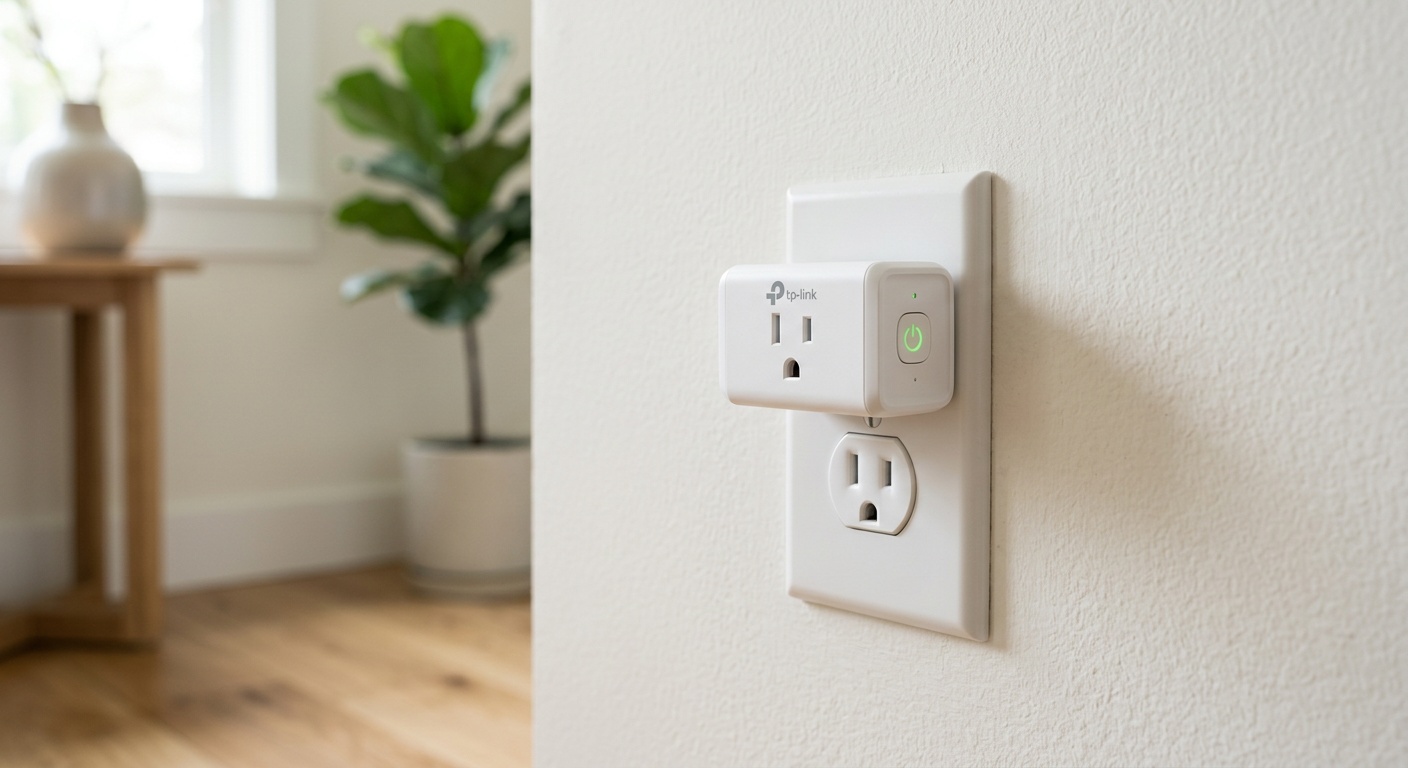
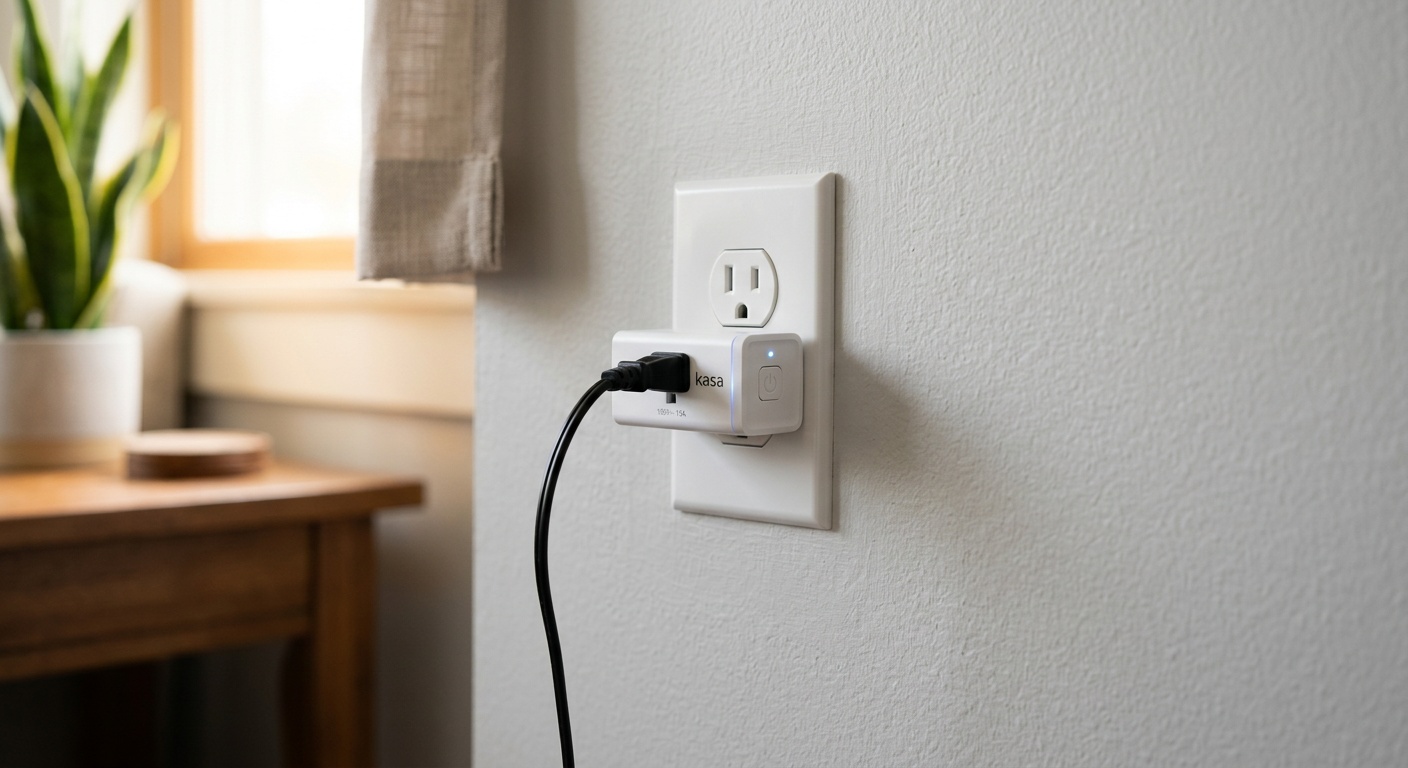
TP-Link’s Kasa line has consistently delivered reliable performance at accessible price points, and the EP25 2026 Edition is no exception. Now fully Matter-certified, it resolves the ecosystem compatibility issues that plagued earlier versions. The built-in energy monitoring is genuinely excellent — one of the most accurate in its price class, with readings that align closely with professional-grade meters in independent testing.
Key specs: 15A/1800W, Wi-Fi 6, Matter, real-time energy monitoring, 2-pack typically priced around $24–$28, works with all major voice assistants.
Best for: Smart home newcomers who want reliable performance without ecosystem lock-in, and anyone who prioritizes app usability (Kasa’s app remains one of the most intuitive in the category).
2. Eve Energy (2026 Gen) — Best for Privacy-Focused Users
Eve has carved out a distinct niche: premium smart home hardware with a hard commitment to local processing and zero cloud dependency. The 2026 generation Eve Energy plug operates entirely over Thread (via HomePod Mini, Apple TV, or compatible border router) and processes all data locally. For Apple HomeKit users, it’s essentially the perfect solution — instant response times, no subscription, no data collection.
Key specs: 16A/1800W, Thread, HomeKit exclusive, local processing only, energy monitoring with historical tracking, priced around $39–$45.
Best for: Apple ecosystem households and privacy-conscious users willing to pay a premium for local control and data sovereignty.
3. Shelly Plus Plug US — Best for Power Users and DIY Enthusiasts
Shelly has earned a devoted following among tech enthusiasts, and for good reason. The Plus Plug US offers exceptional energy monitoring accuracy (±1% margin of error) and supports local API access, MQTT, and Home Assistant integration out of the box. You can even run it completely without cloud services. The 2025 firmware update (still the current version in 2026) added AI-based anomaly detection that genuinely works.
Key specs: 16A/3500W (the highest rated in this category), Wi-Fi, local API, MQTT, cloud-optional, energy monitoring, priced around $19–$22.
Best for: Home automation enthusiasts, Home Assistant users, and anyone who wants maximum control and data access without recurring costs.
4. Leviton Decora Smart In-Wall Outlet (D215O) — Best In-Wall Solution
For a cleaner aesthetic and permanent installation, smart outlets beat smart plugs in every way except flexibility. Leviton’s D215O is the leading in-wall smart outlet of 2026, offering Matter support, 15A dual-outlet control (both independently controllable), and compatibility with all major ecosystems. The installation process has been simplified with improved wiring diagrams and a quick-connect design.
Key specs: Dual independently controlled 15A outlets, Wi-Fi + Matter, requires neutral wire, individual energy monitoring per outlet, priced around $49–$55 per unit.
Best for: Homeowners doing renovations, those wanting a permanent clean-look solution, or anyone who wants to future-proof specific outlet locations without visible dongles.
5. Amazon Smart Plug (2025 Model) — Best Budget Entry Point
Amazon’s house-brand smart plug is not the most feature-rich option, but for Alexa-centric households on a tight budget, it’s remarkably capable. The 2025 model added basic energy monitoring (daily and monthly tracking, though no real-time wattage readout), and its setup is genuinely the fastest of any plug tested — under two minutes from unboxing to operational.
Key specs: 15A, Wi-Fi, Alexa native, basic energy monitoring, no third-party ecosystem support, frequently available for $14–$18.
Best for: Alexa-first households looking for an affordable entry point, or as supplemental plugs for simple scheduling tasks where advanced monitoring isn’t needed.
Head-to-Head Comparison Table
| Feature | Kasa EP25 | Eve Energy | Shelly Plus | Leviton D215O | Amazon Plug |
|---|---|---|---|---|---|
| Price (approx.) | $24–$28 | $39–$45 | $19–$22 | $49–$55 | $14–$18 |
| Energy Monitoring | ✅ Real-time | ✅ Real-time | ✅ Real-time ±1% | ✅ Per outlet | ⚠️ Daily/Monthly only |
| Matter Support | ✅ Yes | ✅ Thread/Matter | ⚠️ Partial | ✅ Yes | ❌ Alexa only |
| Max Load | 15A / 1800W | 16A / 1800W | 16A / 3500W | 15A / 1800W | 15A / 1800W |
| Cloud-Free Option | ❌ No | ✅ Full local | ✅ Full local | ❌ No | ❌ No |
Real Energy Savings: Monthly Impact by Device Type
The chart below illustrates the estimated monthly energy savings (in kWh) when smart plugs with scheduling and auto-shutoff are applied to common household devices, based on 2026 Department of Energy standby power consumption data.
*Based on DOE standby power consumption averages and 16-hour daily idle period assumptions. Actual savings vary by device model and usage habits.
Real-World Case Studies
Case Study 1: The Martinez Family — Suburban Chicago, 2025
The Martinez household — two working parents, three kids, all-electric home — had an electricity bill averaging $187/month. After a home energy audit in early 2025, they identified their biggest phantom loads: an aging 65-inch TV setup, two gaming consoles, and a home office with legacy equipment. Their approach:
- Deployed 4 Kasa EP25 plugs across entertainment and office areas
- Set automatic shutoff schedules aligned with typical departure and sleep times
- Used the Kasa app’s energy monitoring to identify that their 2019 gaming console was drawing 28 watts in standby — more than double what they expected
- Enabled “Away mode” automations tied to their home’s geofencing
Result after six months: Average monthly bill dropped to $159, a 15% reduction. Total investment in smart plugs: $52. Payback period: roughly 2 months. By 2026, they’ve expanded to 11 smart plugs throughout the home.
Case Study 2: Solo Remote Worker, Portland — Eve Energy Deep Dive
Marcus, a freelance developer working entirely from home, had strong privacy concerns about cloud-connected devices. He chose the Eve Energy Thread-based system integrated with his Apple Home setup. The results surprised even him: his home office setup was drawing a constant 41 watts in standby — meaning he was essentially paying for a device running at near-full capacity 24/7 even when not actively using it.
By implementing automated schedules that power down non-essential equipment during sleep hours and activating a “Focus Mode” that cuts power to distracting devices during work blocks, Marcus reduced his home office electricity consumption by 22% while gaining the bonus of zero-cloud operation. He especially valued that all his energy data stayed local and was never sent to external servers — a detail that matters significantly to him professionally.
Common Challenges and How to Overcome Them
Challenge 1: Wi-Fi Congestion and Connectivity Drops
Smart plugs are notorious for appearing offline on congested 2.4 GHz networks — especially in apartment buildings or homes with dozens of connected devices. This frustrates users and undermines trust in automation systems.
Solution: First, ensure your router supports Wi-Fi 6 (802.11ax), which handles more simultaneous connections efficiently. Assign static IP addresses to your smart plugs through your router’s DHCP reservation settings — this prevents address conflicts that cause dropouts. If connectivity remains an issue, consider transitioning to a Thread/Matter setup, which creates a self-healing mesh network specifically optimized for IoT devices.
Challenge 2: Scheduling Conflicts with Variable Routines
Fixed schedules work beautifully for people with consistent routines — but break down the moment life gets unpredictable. A scheduled shutoff at 11 PM means nothing if you’re up until 2 AM for a project deadline.
Solution: Use geofencing-based automations as a primary layer, with time-based schedules as a fallback. The combination is more reliable than either alone. In 2026, AI-learning features on Kasa and Shelly platforms have become genuinely useful — after 2–3 weeks, they learn your patterns and suggest (or automatically implement) refined schedules. Give the AI features time to calibrate before manually overriding them.
Challenge 3: High-Draw Appliance Safety Concerns
Many users want to smart-control space heaters, window AC units, or electric kettles — but worry (rightly) about safety. Using an undersized smart plug with a high-draw appliance is a genuine fire risk.
Solution: For devices drawing more than 1,200W, verify the smart plug’s maximum load rating before use. The Shelly Plus Plug US’s 3,500W rating makes it exceptional here. Alternatively, for permanently installed high-draw appliances, a hardwired smart switch or in-wall smart outlet is far safer than a plug-in adapter. Never use smart plugs with electric dryers, ranges, or other 240V appliances — these require dedicated smart circuit breakers instead.
Frequently Asked Questions
Do smart plugs actually save enough electricity to justify their cost?
Yes — but the math depends heavily on which devices you’re controlling and how disciplined your current habits are. For devices with high standby draw (entertainment centers, gaming setups, home offices), smart plugs with scheduling typically pay for themselves in 4–8 weeks based on 2026 average U.S. electricity rates of approximately $0.17/kWh. For devices with minimal standby consumption, the ROI timeline extends significantly. The key insight: don’t buy smart plugs for every outlet — focus them strategically on your top 4–5 phantom load sources.
What’s the difference between a smart plug and a smart outlet, and which should I choose?
A smart plug is a portable adapter that fits into an existing standard outlet, while a smart outlet (or smart in-wall outlet) replaces your existing outlet entirely. Smart plugs are faster to deploy, flexible, and require no electrical knowledge — they’re ideal for renters or for experimenting with smart home features. Smart outlets offer a cleaner aesthetic, no blocked adjacent outlets, and are permanent — making them better for homeowners with specific, fixed locations they want to permanently automate. If you’re comfortable with basic electrical work (or willing to hire an electrician), in-wall outlets like the Leviton D215O deliver a superior long-term solution.
Will my smart plugs still work if my internet goes down?
This depends entirely on the device and ecosystem. Cloud-dependent smart plugs (including most Amazon, Google, and many Kasa models) will lose remote control and automation capabilities during an internet outage — though manual physical control typically still works. Local-processing devices like Eve Energy and Shelly (in local mode) continue running all automations and schedules perfectly during internet outages because they process everything on-device. In 2026, with Matter + Thread becoming mainstream, local processing is increasingly the default rather than the exception, which substantially improves reliability for all users.
Your Smart Energy Roadmap: Plug In and Power Down Smarter
Here’s the bottom line — and your practical action plan for the next 30 days:
- Week 1 — Audit before you buy. Walk through your home with a basic plug-in energy meter (available for under $15) and measure standby draw on your top 10 suspects. Rank them by consumption. This data prevents impulse purchases and ensures every smart plug dollar goes where it generates maximum return.
- Week 2 — Start with two plugs, not twenty. Deploy your first two smart plugs on your highest-draw devices. Learn the app, set up your first automations, and observe the monitoring data. Resist the urge to automate everything immediately — understanding your patterns first leads to much smarter scheduling decisions.
- Week 3 — Optimize, don’t just automate. Review your first week’s energy data. You’ll almost certainly find at least one surprising standby consumer you didn’t anticipate. Adjust your schedules based on real data rather than assumptions.
- Week 4 — Expand strategically. Now that you understand the platform and your consumption patterns, expand to your next highest-priority devices. Consider whether any locations warrant an in-wall outlet instead of a plug-in adapter.
- Month 2+ — Integrate with your broader energy strategy. Connect your smart plug platform with your utility’s time-of-use pricing data if available. In 2026, this integration is increasingly plug-and-play through both the Apple Home and Google Home platforms.
Smart plugs exist within a larger energy management revolution that’s accelerating rapidly. As dynamic electricity pricing becomes standard across more U.S. utility markets through 2026 and 2027, the difference between a passive and active energy consumer will translate into hundreds — potentially thousands — of dollars annually. Smart plugs are your entry point into that active consumer position.
The question isn’t really whether smart plugs are worth it. The data is clear: they are, when used strategically. The real question is this: Which device in your home is silently draining energy and money right now, and what’s stopping you from putting a stop to it today?